
The Dua App
Your Trade Counter,
In Your Pocket
Order stock by the case, follow every delivery and keep your invoices and balance in one place.
What your account does
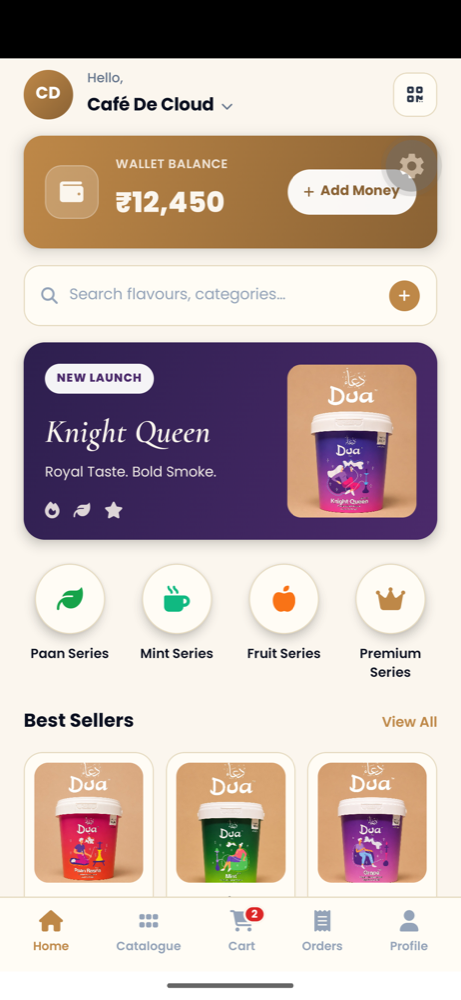
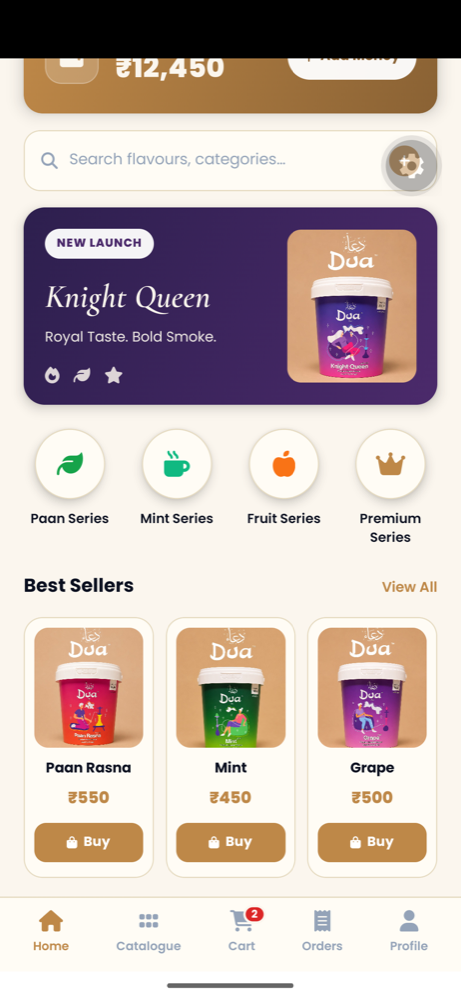
The full catalogue12 flavours across 4 series, plus coconut charcoal
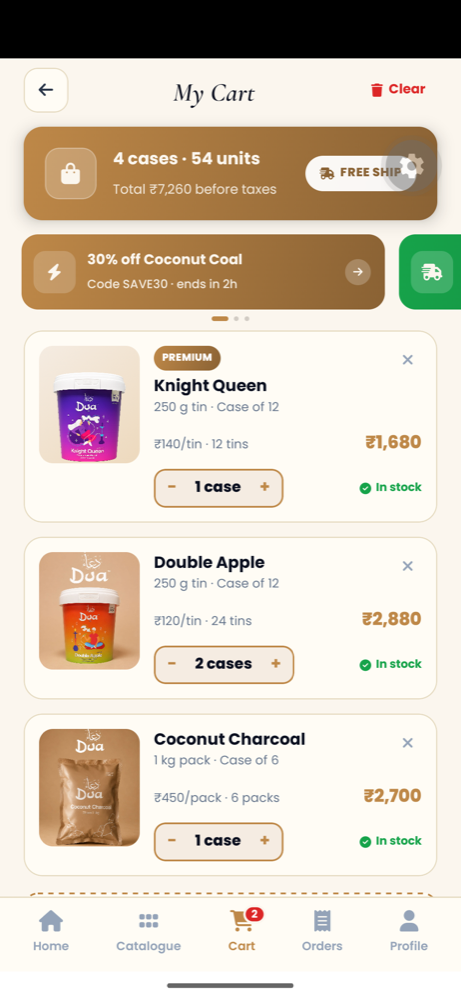
Case-based orderingPriced per account, ordered the way you stock
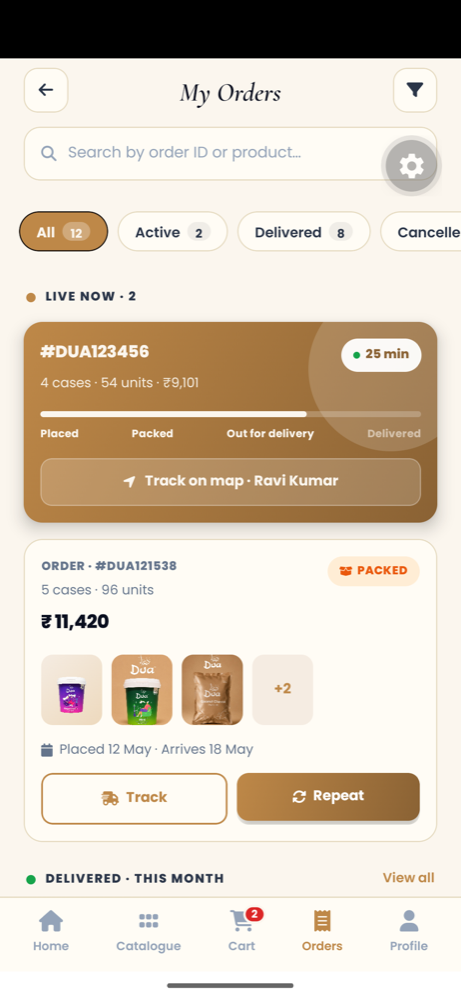
Order trackingAccepted, dispatched, out for delivery, delivered
Invoices & statementsEvery order and its invoice, in one list
A look inside
How an order moves
- 1Request a trade accountSend us your GSTIN and licence. Your KYC documents are uploaded in the app.
- 2We verify and approveOnce your documents check out, your account and your pricing go live.
- 3Place your orderPick your lines from the catalogue and order by the case.
- 4Your cluster team dispatches itThe order is accepted at one of our 4 warehouses and a driver is assigned.
- 5Delivery and invoiceYou follow the status as it moves, and the invoice lands on your account.
The team behind each order
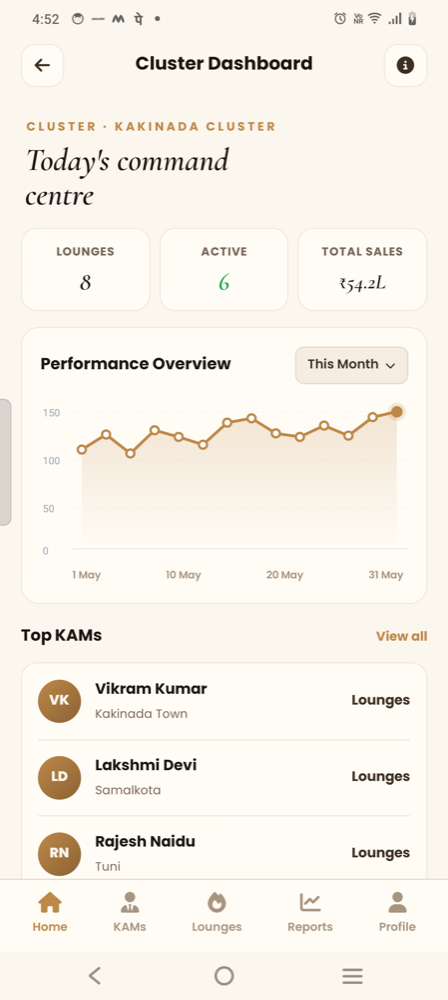
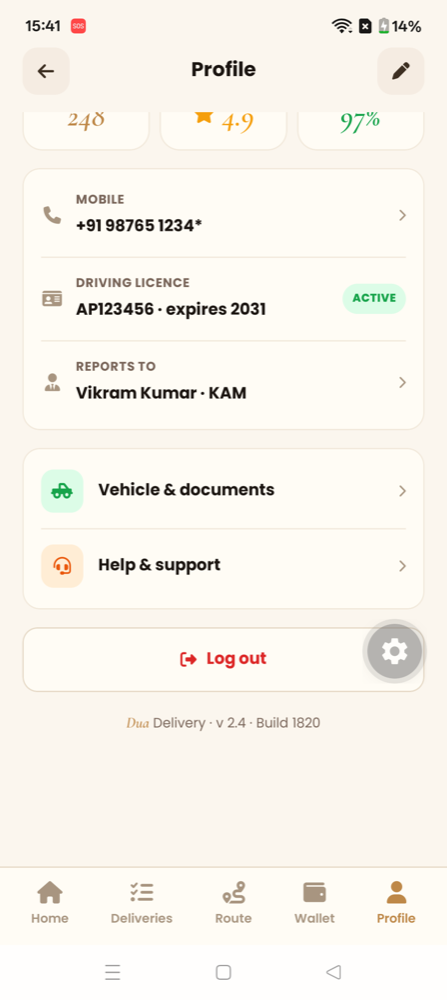
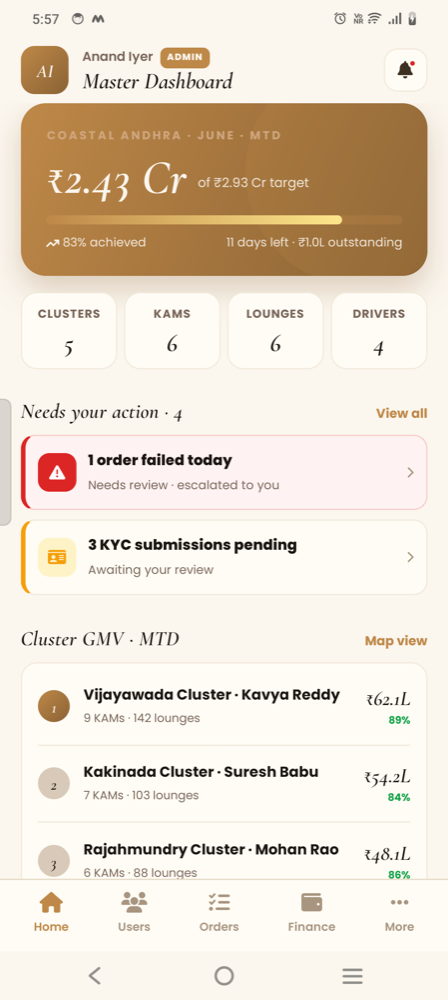
Every order you place is worked by a named account manager, a warehouse team at your nearest cluster and the driver who brings it — each on their own app, so nothing is lost between a phone call and a delivery.
Getting the app
The Dua app runs on Android. It is issued to approved trade accounts rather than listed publicly, so ask the trade desk or your account manager for the install link once your account is open.